E-Commerce Document Automation

Turn your store data into invoices, receipts and shipping labels

Save Time

Automate Your E-Commerce Documents

Online stores send documents with every order, and creating them by hand doesn't scale. With document automation, each one is created from your store data the moment an order comes in.

  • Documents sent with every order
  • Correct items and totals, every time
  • Your branding on every document
Start Generating for Free
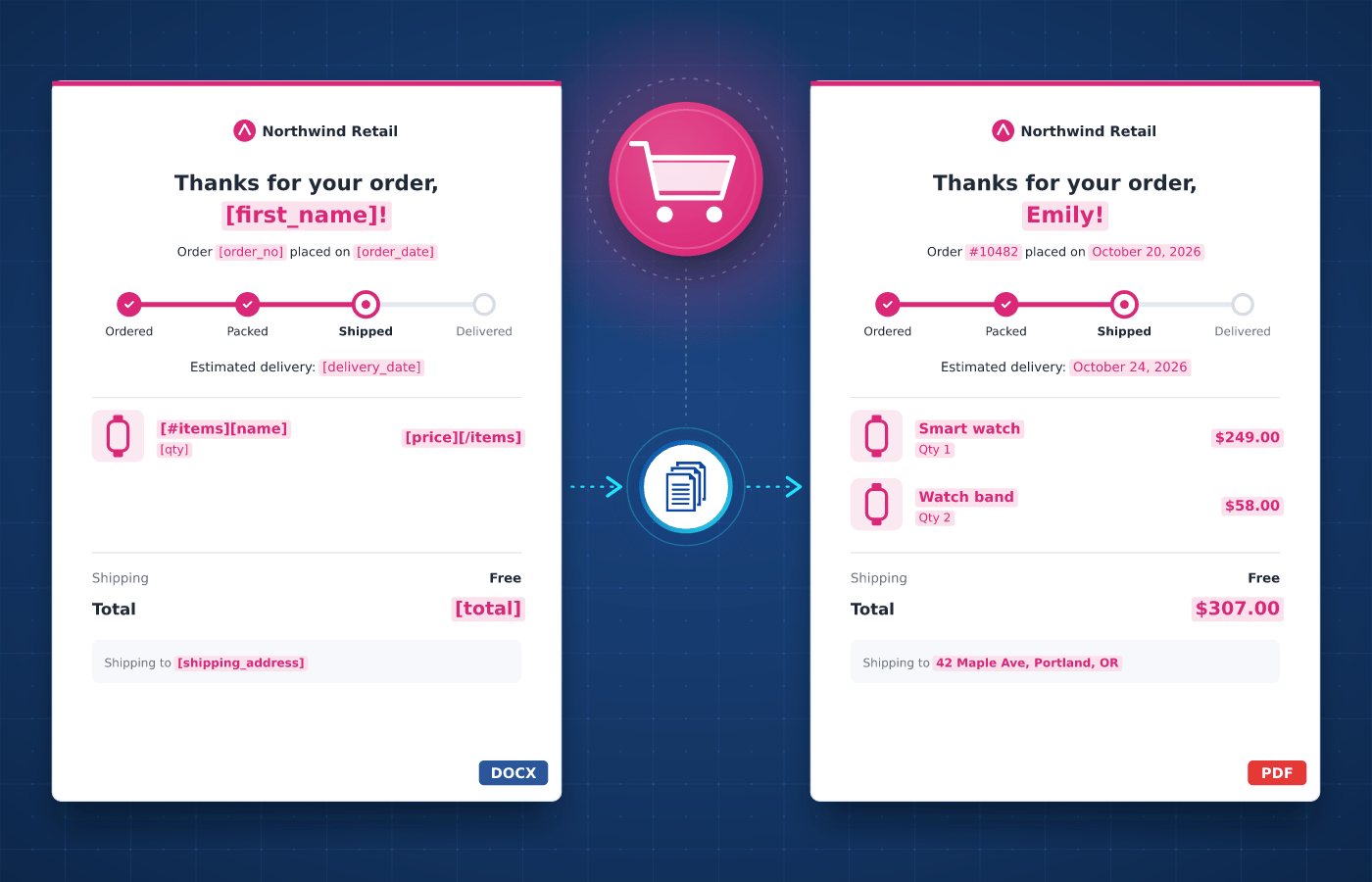
E-Commerce document template in Word with merge tags
Understanding

E-Commerce Documents

Every order in an online store comes with its own documents. An order confirmation follows checkout, an invoice and a receipt follow payment, and a packing slip and a shipping label go to the warehouse.


These documents follow the same design for every order and only change with the items, prices and addresses. You design each template once, which makes e-commerce documents a natural fit for automation.

Start With Our

E-Commerce Templates

Download a ready-to-use template, adapt it to your needs and generate your first e-commerce document in minutes.

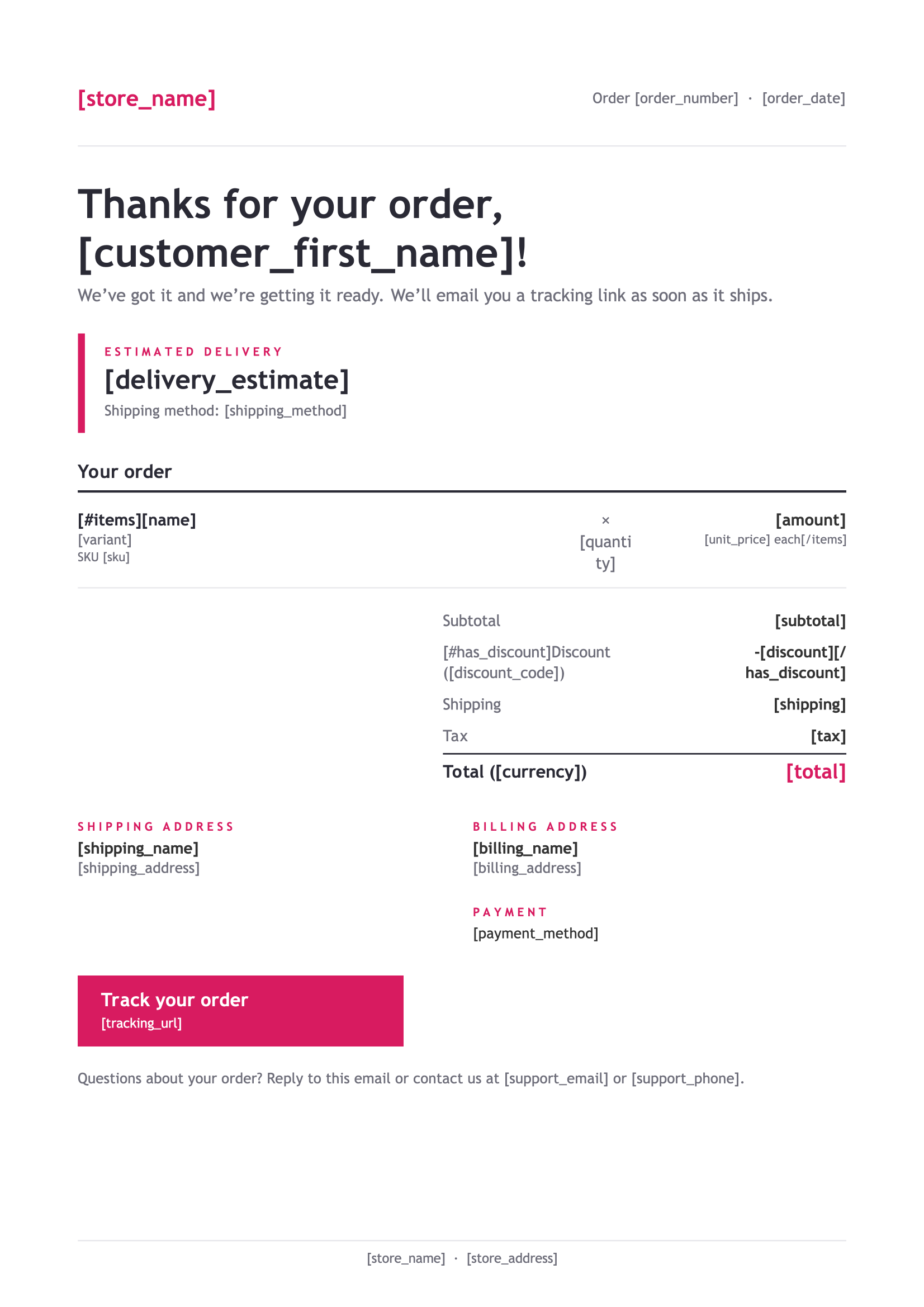
Order Confirmation
Download
Order Confirmation Template
Dotted shape
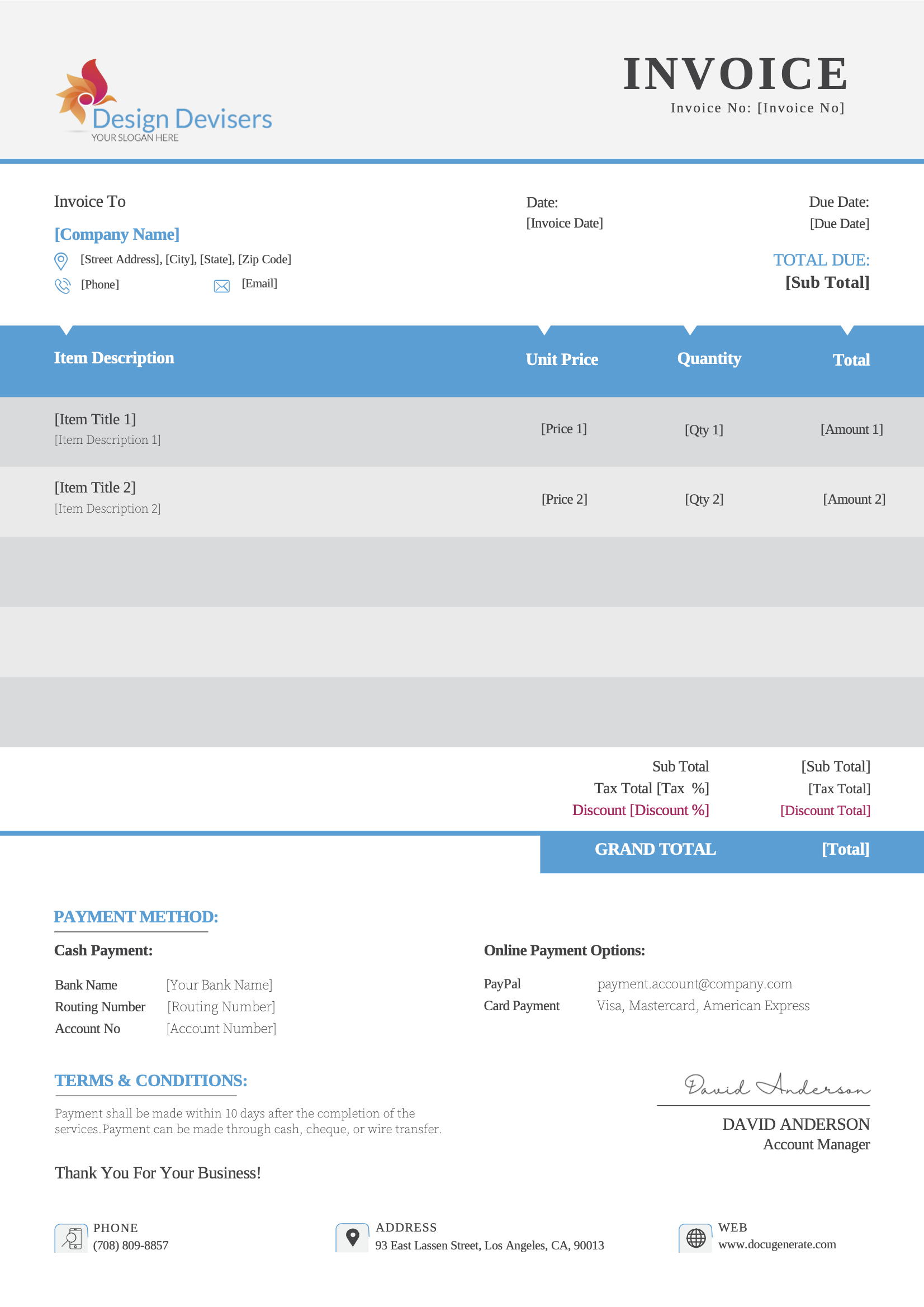
Business Invoice
Download
Business Invoice Template
Dotted shape
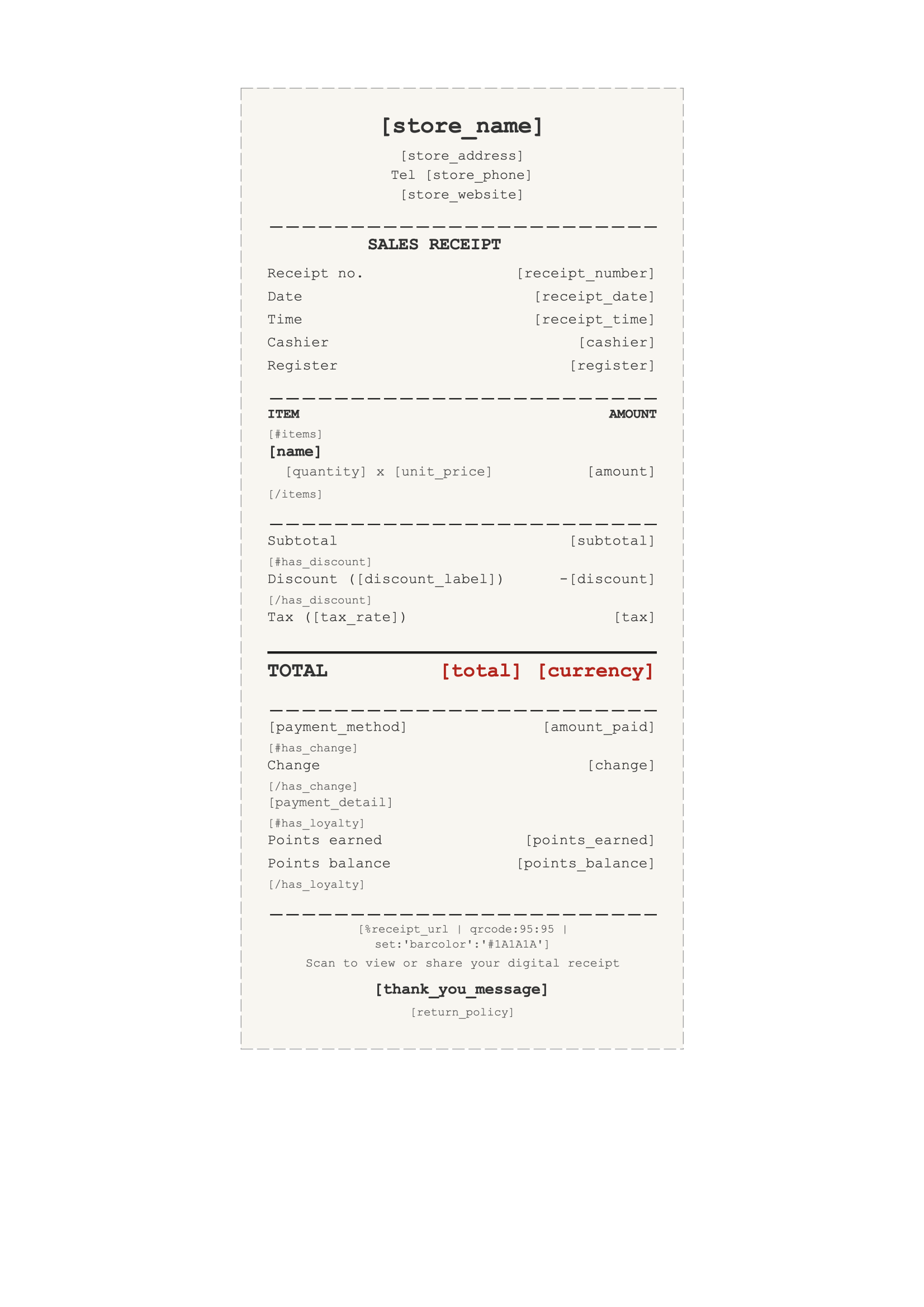
Sales Receipt
Download
Sales Receipt Template
Dotted shape
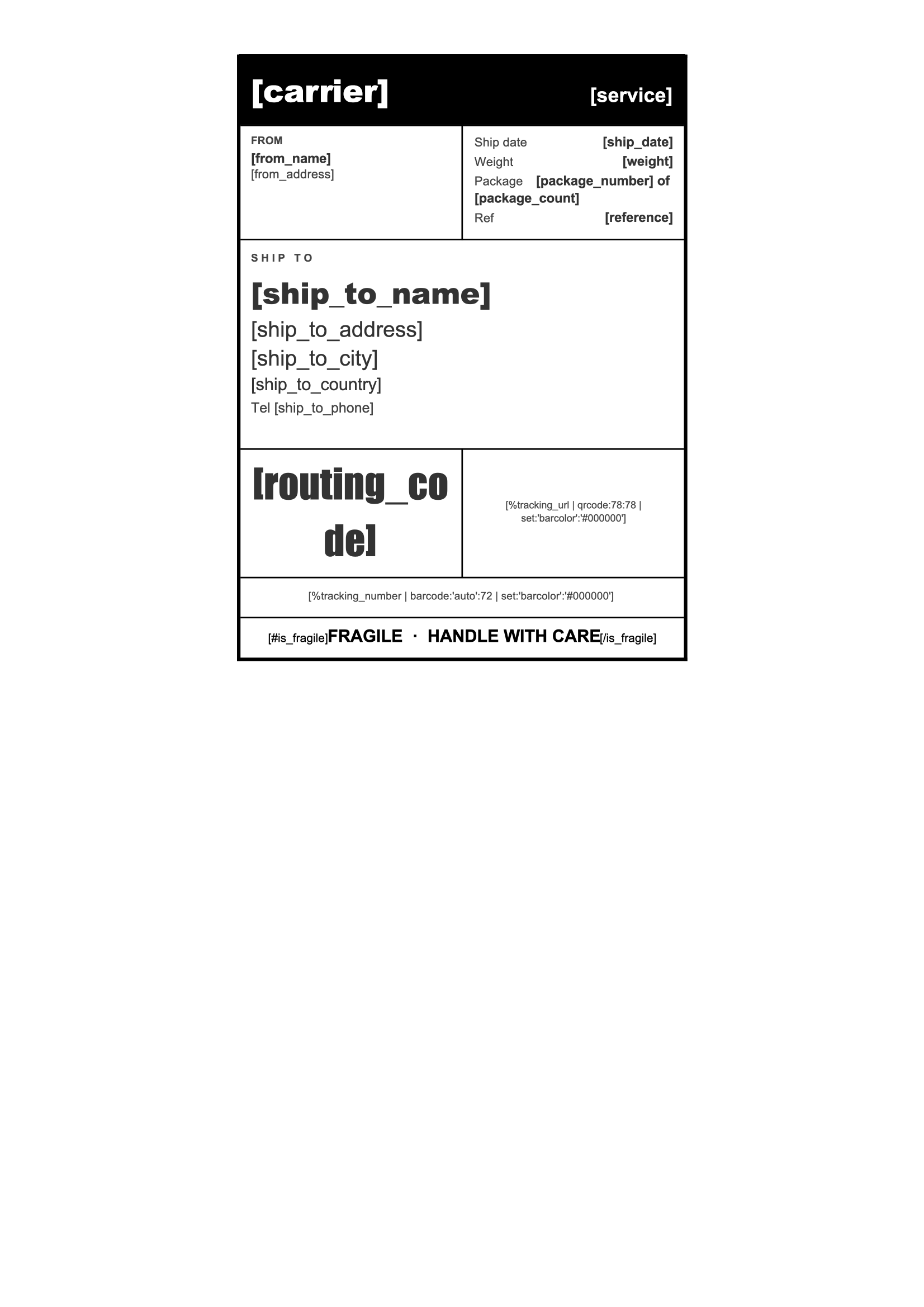
Shipping Label
Download
Shipping Label Template
Dotted shape
Everything You Need

Built For E-Commerce

From order confirmations to packing slips, every e-commerce document can be driven by your data.

Item Tables

List the products, quantities and prices of each order in tables that grow automatically with your data.

Learn More

Calculated Totals

Add up subtotals, shipping, discounts and taxes directly in your template, for every order and currency.

Learn More

Number Formats

Show prices with the right currency format for each customer's country, whatever your store's settings.

Learn More

Barcodes & QR Codes

Add a barcode or QR code with the order number, so each package is easy to scan, track and return.

Learn More

Product Images

Add product photos and your logo to every document, straight from your store's catalog data.

Learn More

Real-Time API

Generate documents in seconds from your store or app as soon as an order is placed or paid.

Learn More

Single Print File

Combine the packing slips of a day's orders into a single file, ready to print for the warehouse.

Learn More

Regional Processing

Process and store customer documents in the region of your choice to help meet compliance regulations.

Learn More
Integrations

Automate With No-Code

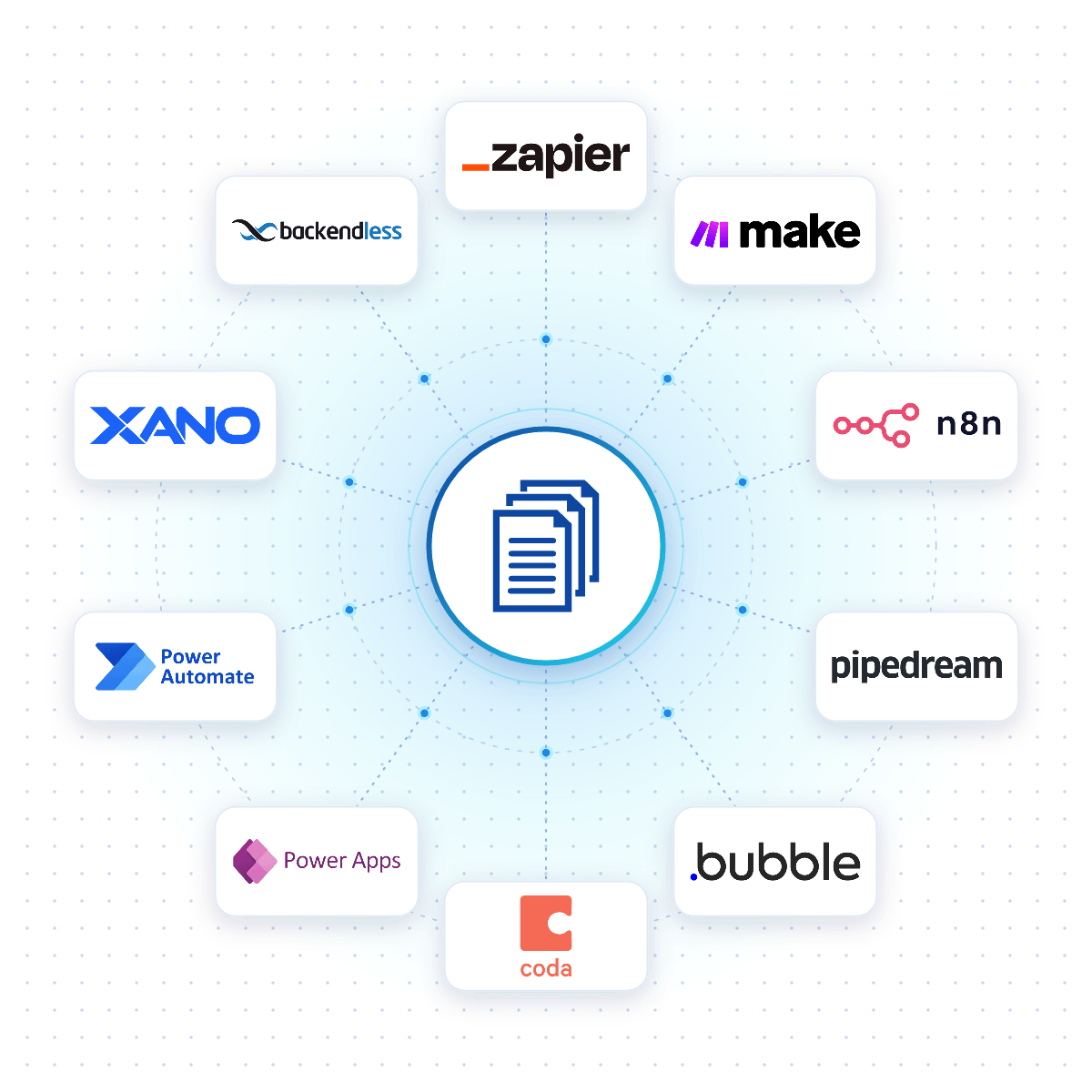
Connect DocuGenerate to Zapier, Make, n8n or Pipedream, and an e-commerce document is created the moment an order is placed, a payment succeeds or a shipment is booked.

Native connectors for Bubble, Coda, Power Apps, Xano and Backendless allow your apps to generate e-commerce documents reliably from your DocuGenerate templates.

No-Code Integrations
DocuGenerate connected to no-code platforms like Zapier, Make, n8n and Bubble
From Our Blog

Create ZUGFeRD / Factur-X PDF Invoices

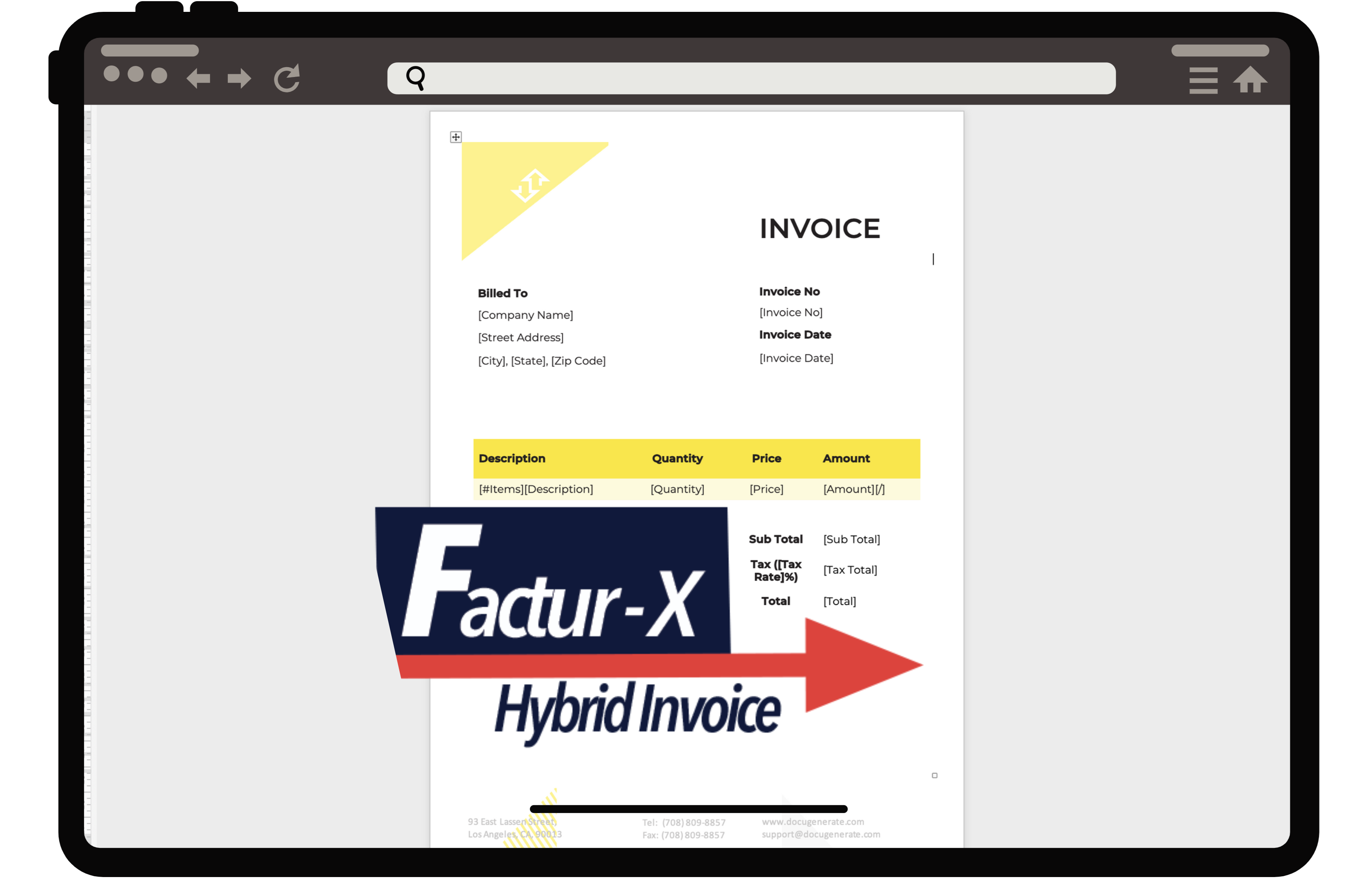
This guide explains the ZUGFeRD and Factur-X e-invoicing formats and shows how to generate compliant PDF invoices with embedded XML through the DocuGenerate API, automatically for every online order processed.

Read the Article
How to Create ZUGFeRD / Factur-X PDF Invoices with DocuGenerate
Rectangle shape
FAQ

Your Questions Answered

Questions frequently asked about automating e-commerce documents with DocuGenerate

Yes. Templates are ordinary Word files, so you can reuse the order documents and receipts you already have. Add merge tags where the details change and upload the file. Learn more.
Yes. Connect your store through Zapier, Make, n8n or Pipedream and generate an order confirmation, receipt or packing slip automatically when a new order is placed.
Yes. Trigger the workflow from your payment platform to generate a receipt when a payment succeeds and email it to your customer.
Yes. Combine the generated packing slips into a single PDF file, one order per page, and print the whole batch in one go. Learn more.
No. The data is transient. It is used for the merge and then discarded, never written to the logs or the database. The generated documents are kept until you delete them.
Yes. Send your order data as JSON to the REST API and get the generated document back in seconds. SDKs are available for Node.js, Python, PHP, Ruby, Go, C#, Rust and Java, and every plan includes full API access. Learn more.
Sign Up

Start Creating Your E-Commerce Documents

Get started with 20 free documents per month and our ready-to-use e-commerce templates.

Start Generating for Free
  • Free forever plan
  • No credit card required